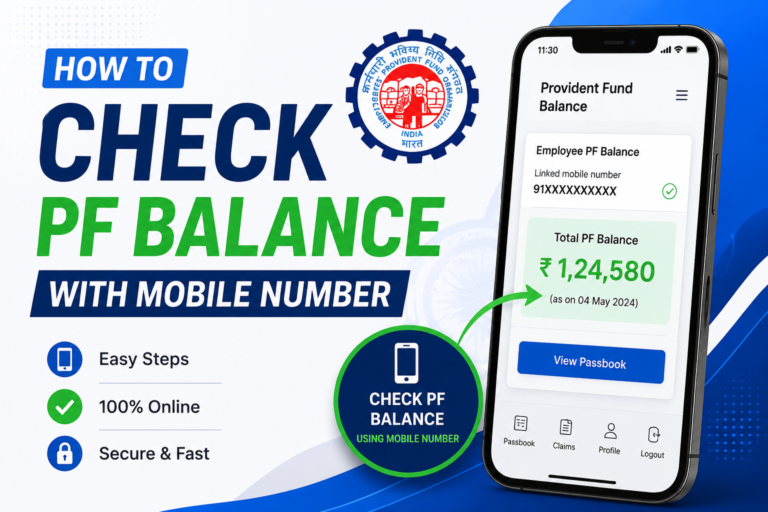
If you have an EPF account through your employer, you can check your PF balance and, if eligible, submit a withdrawal claim online without visiting an EPFO office.
The Employees’ Provident Fund Organisation (EPFO) provides online services through its member portal and UMANG app. You can check your contributions and balance, submit eligible withdrawal or advance claims, and track your claim status online.
How to Check PF Balance Online
The easiest way to check your EPF balance is through the official EPFO member portal.
Log in using your UAN and password. EPFO has also introduced Passbook Lite, which provides a summarized view of PF contributions, withdrawals and balance directly through the member portal. For a detailed passbook, members can continue using the dedicated EPFO Passbook portal.
You can also access EPFO services through the UMANG app.
How to Check PF Balance Without Login
EPFO also provides an SMS and missed-call facility for balance enquiries.
You can give a missed call from your registered mobile number to 9966044425 to receive PF balance information.
You can also send:
EPFOHO UAN
to 7738299899 from your registered mobile number.
How to Withdraw PF Online
If you are eligible for an online claim, you can submit it through the EPFO Member Interface.
Step 1: Login to EPFO
Visit the official EPFO member portal and sign in using your UAN, password and captcha.
Step 2: Check Your KYC Details
Before submitting a claim, make sure your Aadhaar, bank account and other required KYC information are correctly linked and verified.
EPFO’s online claim process uses Aadhaar-based authentication, with an OTP sent to the mobile number registered with Aadhaar.
Step 3: Select Online Services
After logging in, go to Online Services and select the relevant claim option.
Depending on your eligibility, you may be able to submit a final PF withdrawal, PF advance or eligible pension-related claim.
Step 4: Verify Your Bank Account
Check the bank account displayed on the portal carefully. Your approved claim amount will be credited according to EPFO’s claim-processing procedure.
Step 5: Submit the Claim
Select the appropriate claim type, enter the requested information and complete the Aadhaar OTP authentication.
After submission, save the claim reference or acknowledgement details so you can track the application later.
How to Track PF Withdrawal Status
You can check your claim progress through the EPFO member portal using the claim-status facility.
The status can change as EPFO processes and settles your application. If additional verification or information is required, processing may take longer.
Can You Withdraw PF While Still Working?
It depends on the type of withdrawal.
EPFO allows eligible members to submit PF advance claims for permitted purposes while they are employed. A final PF withdrawal is subject to the applicable eligibility conditions, including the status of your employment and PF account.
Therefore, being able to see your PF balance does not automatically mean that the entire amount can be withdrawn immediately.
Important Safety Tips
Use only official EPFO services when checking your PF balance or submitting a claim.
EPFO warns members not to share their UAN password, Aadhaar, PAN, bank details or OTP with callers or unknown websites. EPFO also states that it does not ask members to deposit money to process claims.
Final Words
Checking your PF balance and submitting an eligible withdrawal claim can now be done online. Log in to the EPFO member portal, check your PF balance and KYC details, select the appropriate claim service and complete the required Aadhaar OTP authentication.
For the safest experience, always use the official EPFO portal or UMANG app and avoid sharing your personal or financial information with third parties.